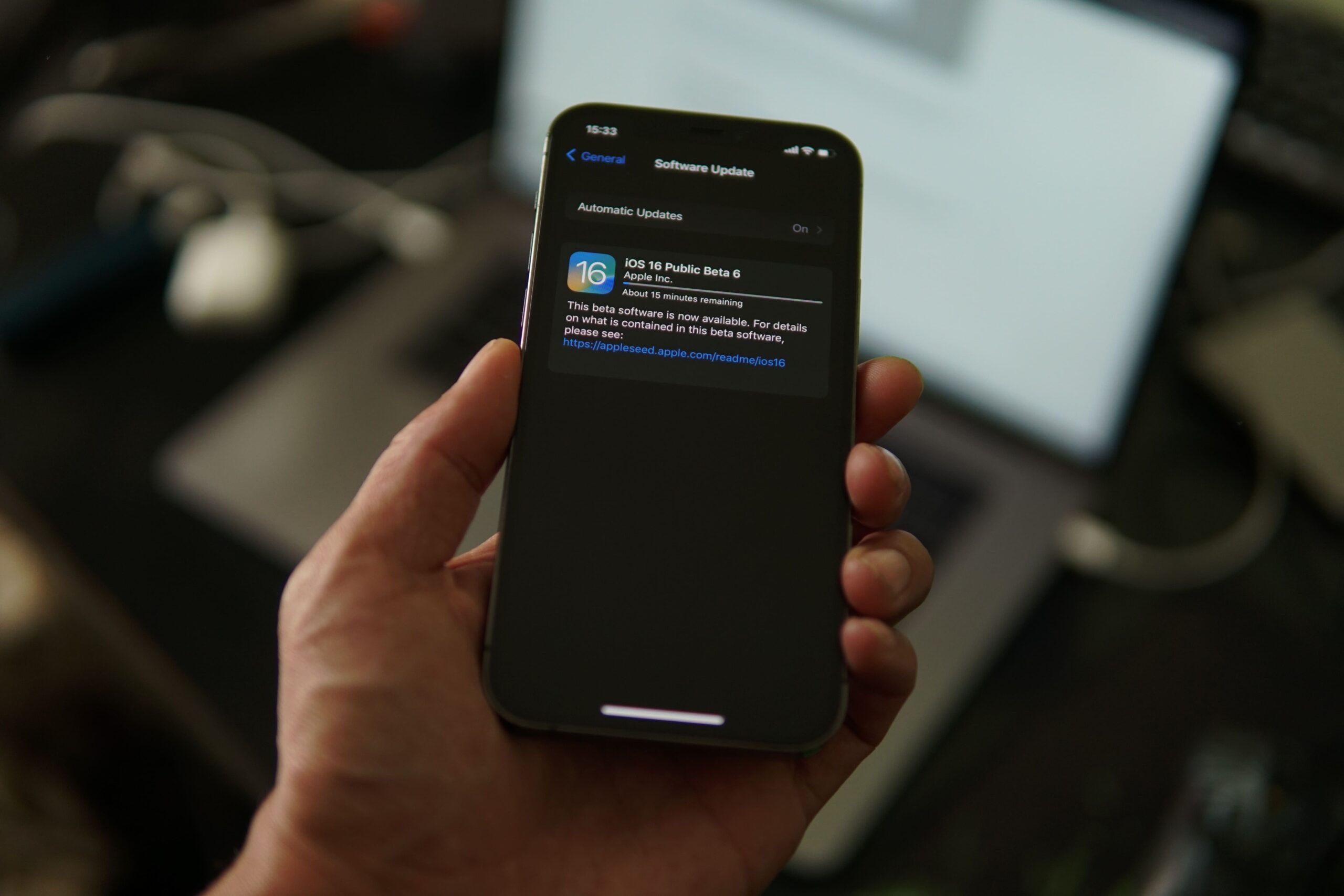
Today Apple released interesting updates with iOS 16.4 release like Voice isolation, a new set of emojis, and website push notifications. I’m sure the majority of people were waiting for the voice isolation feature which helps iPhone users to reduce the background noise when they’re on call. Here are quick steps to enable Voice isolation in your iPhone device.
Step 1: Make sure you update your iPhone device to the latest 16.4 software release.
Step 2: Make a call, and open the Control center (Refer below image)

Step 3: Now Select “Voice Isolation” in the mic mode (Ref below image)

Now your callers will not be able to listen to any background noise from your side.
Have a great day!




1 comment
Nice feature. Could have brought it earlier Apple.
Comments are closed.